

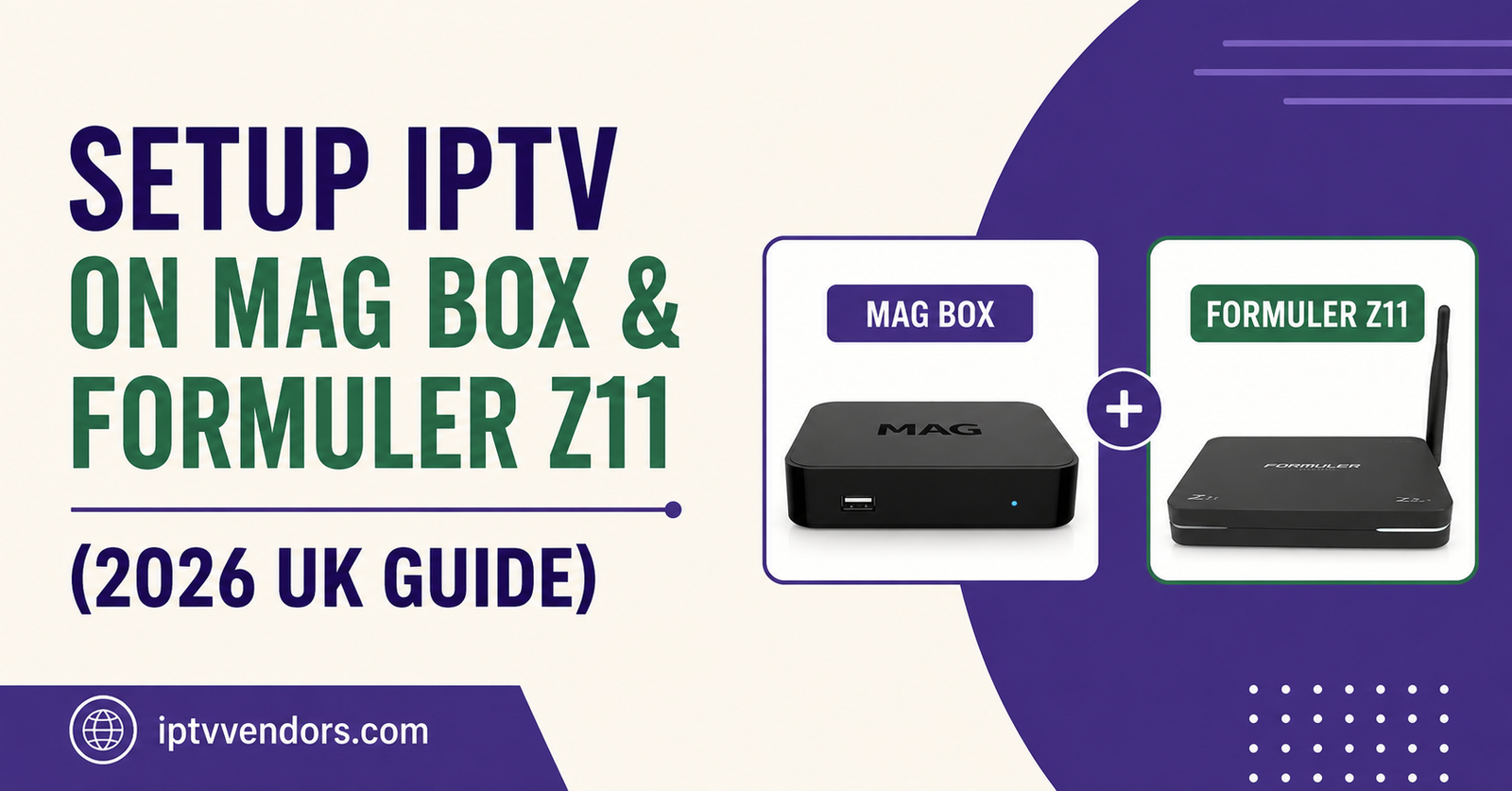
To Setup IPTV on MAG Box & Formuler Z11, the process differs by device because they run on different systems. A MAG box uses a built-in Stalker Middleware portal, so you enter your portal URL and MAC address directly into the device settings. The Formuler Z11 runs Android, so it supports the same Stalker portal method through a portal app, plus standard IPTV players like an M3U-based app if your provider supplies a playlist instead. Both routes get you to a working channel list once the details are entered correctly.
What a MAG box actually is and why setup looks different
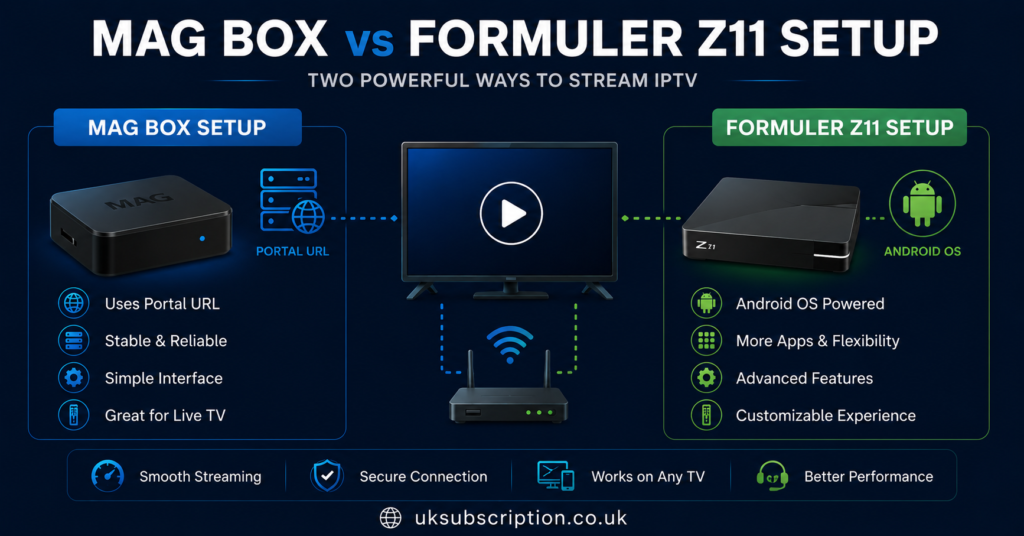
A MAG box is a set-top box built specifically to run Stalker Middleware, a portal system developed by Infomir. It does not use apps in the way a phone or Android TV box does. Instead, the entire interface, the channel list, the electronic programme guide, and the video-on-demand catalogue are all delivered through a single portal connection tied to the device’s MAC address.
This matters for setup because there is no app store, no sideloading, and no flexibility to add third-party IPTV players. Everything happens inside the box’s built-in portal settings screen. If your provider gives you a portal URL and confirms your MAC address is activated on their system, the box should connect on the first attempt. If either detail is wrong, nothing will load, and the box will not tell you which part failed.
What the Formuler Z11 offers instead
The Formuler Z11 is a newer hybrid device. It still supports Stalker portal connections through its built-in portal app, which makes it compatible with providers who only offer MAG-style setups. But because it runs on Android, it also supports a much wider range of apps, including standard IPTV players that accept an M3U playlist URL rather than a portal link.
This flexibility is the main practical difference between the two devices. A Formuler Z11 owner has options if one connection method fails or if they switch providers later. A MAG box owner is locked into whatever middleware system their box was built for.
How to Setup IPTV on MAG Box & Formuler Z11 using the portal method
This is the method both devices share, so it is worth covering first.
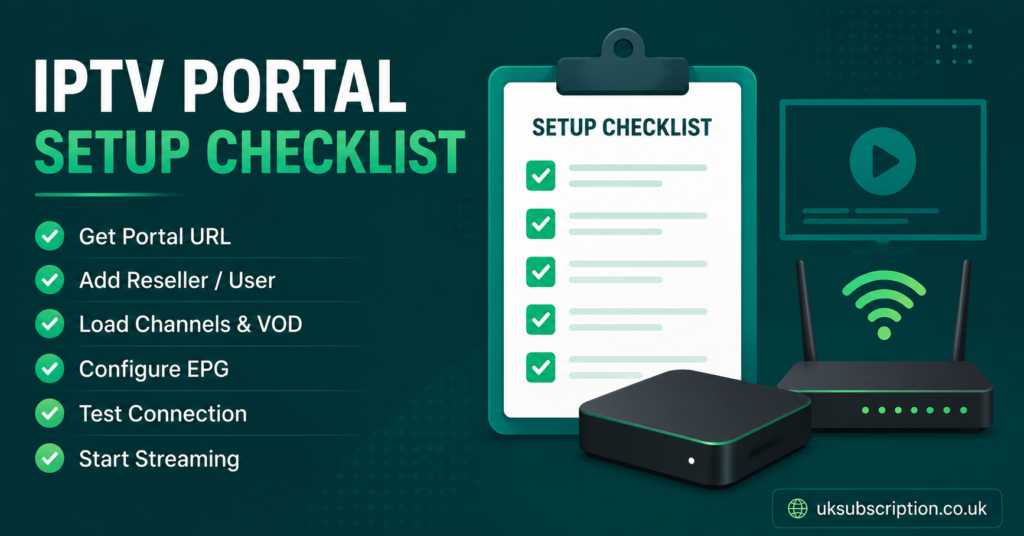
- Power on the device and note the MAC address shown on the home screen or in the device settings. Your provider needs this to activate your subscription on their server.
- Go to Settings, then System Configuration, then Servers (on a MAG box) or open the Portal app (on a Formuler Z11).
- Enter the portal URL exactly as your provider gave it, including the correct protocol. Some providers use http, others use https, and using the wrong one is one of the most common reasons a portal fails to load.
- Save the settings and restart the device if prompted.
- Wait for the box to load the channel list. This can take anywhere from a few seconds to a couple of minutes depending on how large the provider’s channel database is.
If the screen stays blank or shows a loading spinner indefinitely, the most likely causes are an incorrect portal address, a MAC address that has not been activated yet, or a temporary issue on the provider’s server. Contact your provider with your MAC address ready, since they will usually need to confirm it against their activation records.
Pro tip: Write down your MAC address and portal URL somewhere other than the box itself. If the device ever needs a factory reset, you will need both details again immediately.
Setting up the Formuler Z11 with an app instead of a portal
If your provider issues an M3U playlist link rather than a Stalker portal, the Formuler Z11’s Android base means you are not stuck. You can install a standard IPTV player from the device’s app store, or sideload one if it is not listed there. Once installed, most of these apps ask for a playlist name and the M3U URL, then build the channel list automatically.
This is where the Formuler Z11 pulls ahead of a MAG box for anyone who values flexibility. If one app stops working well, you can try another without needing a different physical device. A MAG box does not give you that option because its portal system is built into the firmware itself.
Common connection problems and what usually causes them
| Problem | Likely reason |
|---|---|
| Portal loads then goes blank | Provider server issue or MAC address not yet activated |
| Error code appears on connection | Wrong protocol entered (http versus https) |
| Channels load but constantly buffer | Broadband speed, Wi-Fi signal, or provider server load |
| Device reads MAC not found | Subscription not yet linked to that specific MAC address |
Buffering in particular is rarely about the box itself. Both MAG boxes and the Formuler Z11 are capable hardware for streaming, so if picture quality drops or freezes, the issue usually sits with your internet connection or the provider’s server capacity. Our guide on fixing IPTV buffering and freezing issues covers this in more depth if streams are unstable after setup.
Provider example: illustrative only
A provider such as Skip This might advertise support for both MAG boxes and the Formuler Z11. That is a normal claim for an IPTV panel reseller to make, since both devices are widely used, but it is not something to take at face value. Ask any provider, Skip This included, whether they issue a portal URL, an M3U link, or both, and whether MAC address activation happens automatically or needs manual confirmation on their end. A professional-looking website or a working payment page does not confirm anything about content licensing, so that question is worth asking separately.
Subscriber guidance: what to check before you commit
If you are buying a subscription specifically because you own a MAG box or a Formuler Z11, confirm three things before paying. First, whether the provider issues a portal connection, an M3U playlist, or supports both, since that determines which setup route you will use. Second, how many devices your subscription covers, since MAG boxes and Formuler boxes are sometimes counted separately from mobile or Smart TV apps under the same plan. Third, what the refund terms are if the box will not connect after a genuine attempt at setup, rather than assuming a refund is automatic.
If you are also considering a Smart TV as a secondary device in the household, our walkthrough on setting up IPTV on Samsung and LG Smart TVs explains that separate process, since Smart TVs use apps rather than the portal system a MAG box relies on.
Reseller guidance: supporting customers on these devices
Resellers who sell to MAG box or Formuler Z11 owners need to be comfortable troubleshooting MAC address activation, since this is the single most common support request tied to these devices. When a customer reports a blank screen, the first questions should always be whether the MAC address was confirmed as activated, and whether the portal URL was typed exactly as given, including the protocol.
Documentation matters here more than with app-based devices. Keep a record of which MAC addresses are linked to which customer accounts and which portal or playlist was issued, since MAG and Formuler support tickets are harder to resolve from memory than a simple app reinstall.
A stable connection also depends on the infrastructure behind your panel, not just the customer’s device. If your own credits or panel access are unreliable, no amount of correct MAC address activation will fix a customer’s buffering complaint. Reviewing your IPTV reseller Panel dashboard periodically for server status and credit balance avoids passing that instability on to end customers.
Legitimate use and content rights
IPTV, whether accessed through a MAG box or a Formuler Z11, is a delivery method, not a content source in itself. Whether the channels a provider supplies are lawfully distributed depends on that provider’s content rights and licensing arrangements, not on how professional their setup instructions or website appear. It is worth asking a provider directly about their content sourcing and business registration before committing to a longer subscription term, particularly for a reseller-focused device purchase.
Frequently asked questions
Do I need different setup steps for a MAG box compared to a Formuler Z11?
The core portal method (entering a portal URL and MAC address) is the same on both. The Formuler Z11 additionally supports app-based setup using an M3U playlist, which a MAG box cannot do because it has no app store.
Why does my MAG box show a blank screen after entering the portal details?
This usually means the MAC address has not been activated on the provider’s server yet, the portal URL was typed incorrectly, or the provider’s server is experiencing a temporary issue. Confirm activation with your provider before assuming the box itself is faulty.
Can I use TiviMate or a similar app on a MAG box?
No. MAG boxes do not have an app store or sideloading support, so they are limited to the built-in Stalker portal system. This is only possible on Android-based devices such as the Formuler Z11.
Should I choose http or https when entering a portal address?
Use exactly what your provider specifies. Most Stalker portals run on standard http, and entering https by habit is a common cause of connection errors on first setup.
Is a MAG box or a Formuler Z11 better for IPTV?
It depends on what you need. A MAG box is simple and dedicated to portal-based IPTV with no distractions. A Formuler Z11 offers the same portal support plus the flexibility of Android apps, which suits anyone who might switch providers or setup methods later.
Does device choice affect whether an IPTV service is properly licensed?
No. Neither a MAG box nor a Formuler Z11 has any bearing on content legality. That depends entirely on the provider’s rights to distribute the channels and content included in the subscription.