
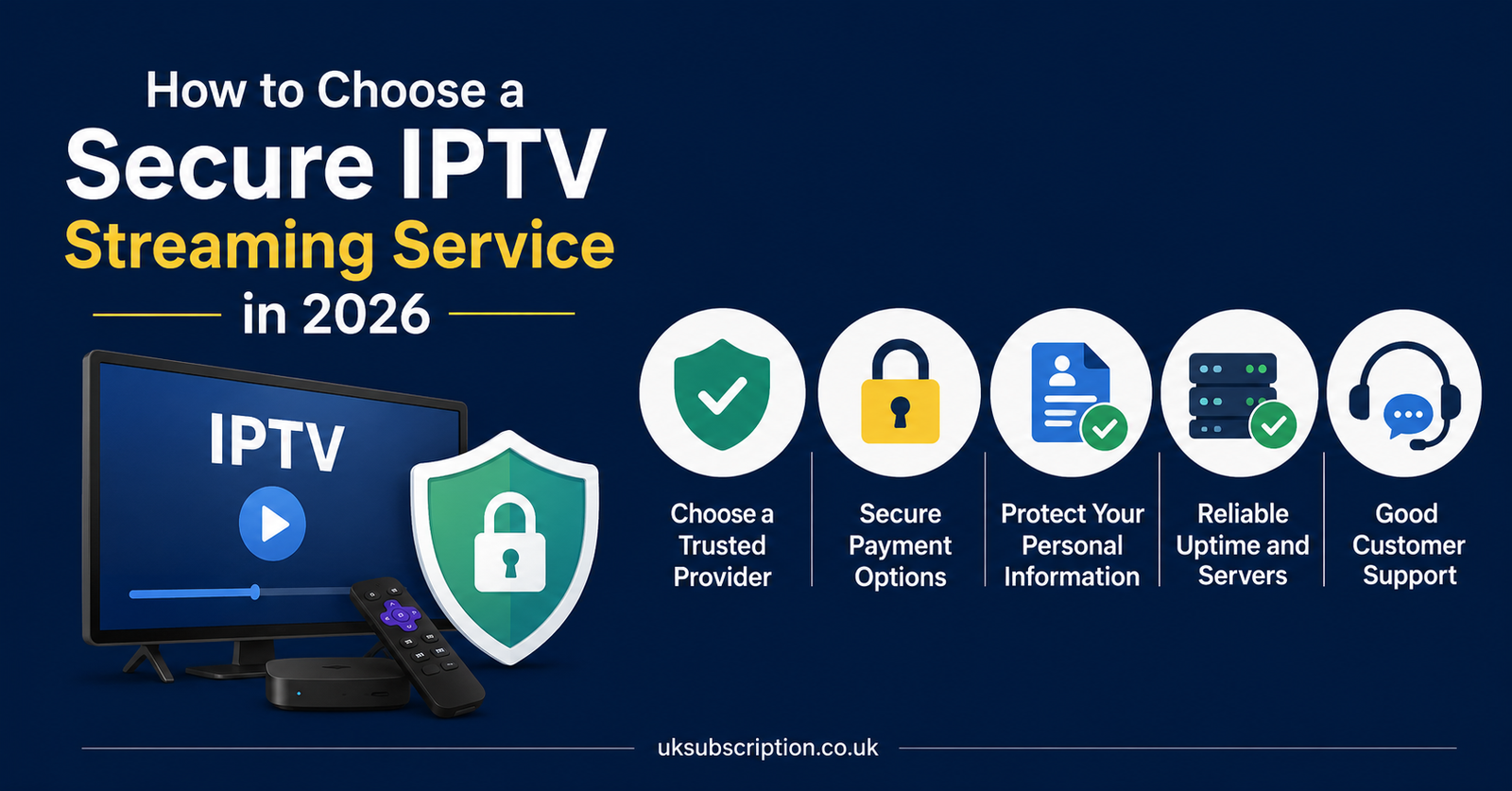
A secure IPTV streaming service is one that’s transparent about who runs it, protects your payment and account details properly, gives you a working refund path, and doesn’t disappear the moment something goes wrong. It isn’t about a single badge or a line of marketing copy. If you’re comparing providers right now, the fastest way to judge security is to look at how a company handles your money, your data, and your questions before you’ve paid them a penny. The rest of this guide walks through exactly what to check, in what order, and why each check matters.
What “Secure” Actually Means for a Secure IPTV Streaming Service
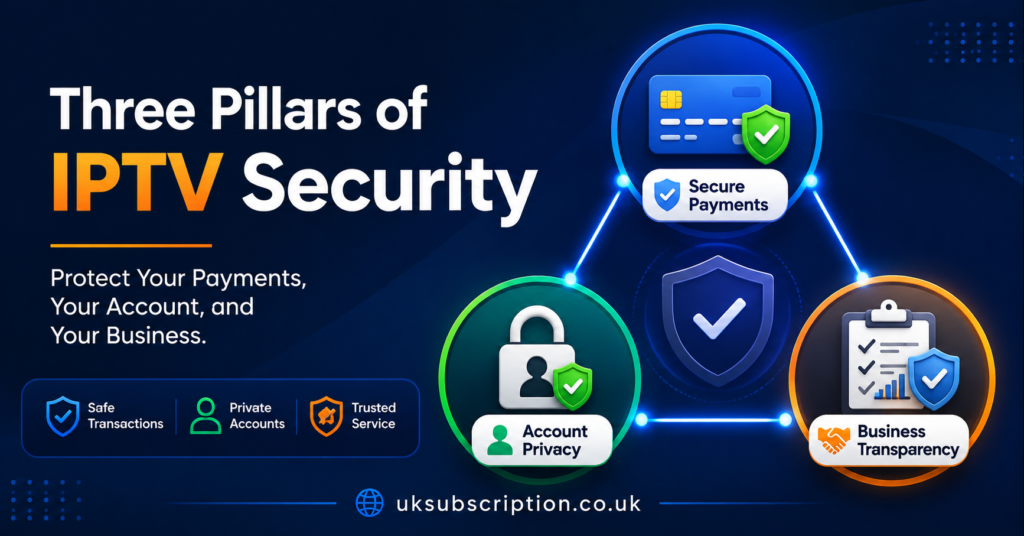
The word “secure” gets used loosely in IPTV marketing, so it helps to break it into parts you can actually check. There’s payment security (how your card or transfer details are handled), account security (whether your login and personal details are protected), and business security (whether the company behind the service is stable enough that it won’t vanish in three months). A secure IPTV streaming service needs all three, not just one.
Providers rarely fail on payment encryption itself, since most use standard processors. Where they fail is on the second and third points: vague ownership information, no proper refund process, and support that goes quiet once you’ve paid. Those gaps matter more day to day than the padlock icon in your browser bar.
The Transparency Signals Worth Checking First
Before anything else, look at whether the provider tells you who they are. A registered company name, a stated trading history, and a real support channel are basic signals, not guarantees, but their absence is a warning sign worth noticing. If a website has no company details anywhere and support only exists through an anonymous chat widget, that’s a gap worth asking about directly.
Pro tip: Search the company name the provider gives you, not just the brand name on the homepage. A brand and the legal entity behind it aren’t always the same, and a quick search often shows how long that entity has actually been trading.
Pricing clarity is part of transparency too. A provider that lists a clear price for each plan, states what’s included, and doesn’t add setup or activation fees later is easier to trust than one where the final price only appears after you’ve messaged them.
This is one of the areas where exploring current subscription and IPTV reseller Panel options on a provider’s own site tells you a lot, since the plan structure is usually visible before you commit to anything.
| Good sign | Warning sign |
|---|---|
| Clear pricing shown upfront | Price only given after contact |
| Named company and trading history | No ownership information anywhere |
| Refund terms stated in writing | “Ask us about refunds” with no policy |
Payment Handling and What It Tells You About Risk
How a provider takes your money is one of the clearest practical indicators of how seriously they treat security. Reputable payment processors, PayPal, and recognised card gateways all carry their own fraud protections, and a provider using them gives you a layer of recourse if something goes wrong. Cryptocurrency only payment with no alternative is not automatically dishonest, but it does remove most of your dispute options if the service stops working, so it’s worth weighing that trade off consciously rather than skipping past it.
Refund policy is the other half of this. A written refund policy, with a stated timeframe and clear conditions, is far more useful than a verbal promise made during a sales chat. Ask what happens if the stream is unstable in the first week, and get the answer in writing if you can, whether that’s an email or a saved chat message.
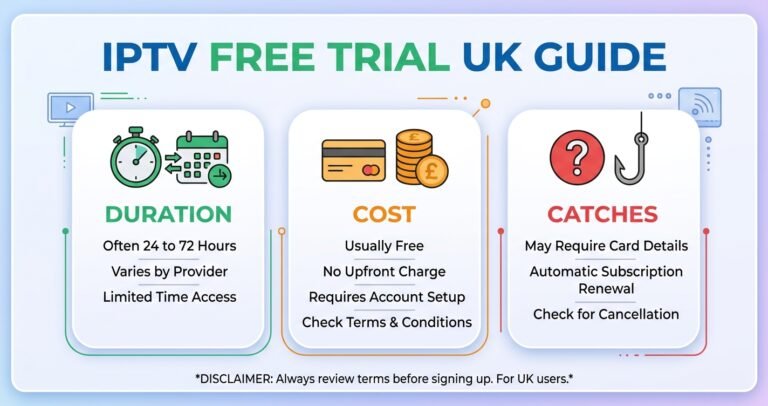
Pro tip: Before paying for a longer plan, start with the shortest available term or a free trial if one is offered. A provider confident in its own stability will usually let you test the actual infrastructure rather than a limited demo.
Device Security: Apps, Sideloading and Where Risk Actually Sits
A lot of IPTV security discussion focuses on the server side and skips the device side, which is where most everyday risk actually lives. Sideloaded apps from unknown sources carry more risk than apps installed through an official app store, simply because they haven’t been through any review process. That doesn’t mean every sideloaded IPTV app is unsafe, but it does mean you should only install apps recommended directly by your provider, and avoid downloading APK files from forum links or unrelated websites.
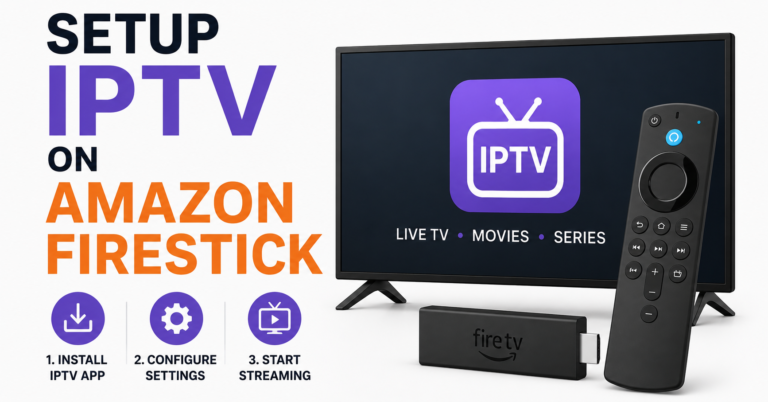
On smart TVs and Firestick devices specifically, keep the operating system updated and avoid granting unnecessary permissions to any streaming app. These are basic device hygiene steps that apply regardless of which provider you use, and they reduce risk more than any single provider choice will.
Comparing Providers Without Relying on Marketing Claims
When you’re comparing options, it helps to look past adjectives like “premium” or “ultra secure” and focus on what’s actually verifiable: response times you can test yourself by messaging support, refund terms you can read before paying, and device compatibility you can confirm against your own setup.
An illustrative example is a provider such as Skip This: rather than taking a claim of security at face value, you’d want to check the same things you’d check with any other name, including how transparent they are about company details, what their refund process actually looks like in writing, and whether support responds during the hours they claim to.
This evaluation approach applies whether you’re choosing a subscription for home use or comparing IPTV against a traditional broadcaster. If you’re weighing IPTV against a conventional TV subscription altogether, a broader comparison of IPTV against Sky and Virgin Media can help frame the cost and flexibility differences before you narrow down a specific provider.
| Question to ask | Why it matters |
|---|---|
| What’s your refund policy in writing? | Verbal promises aren’t enforceable |
| Which apps do you recommend, and where from? | Sideloading risk varies by source |
| How is customer data stored or shared? | Affects your privacy exposure |
For Subscribers: What to Confirm Before You Commit
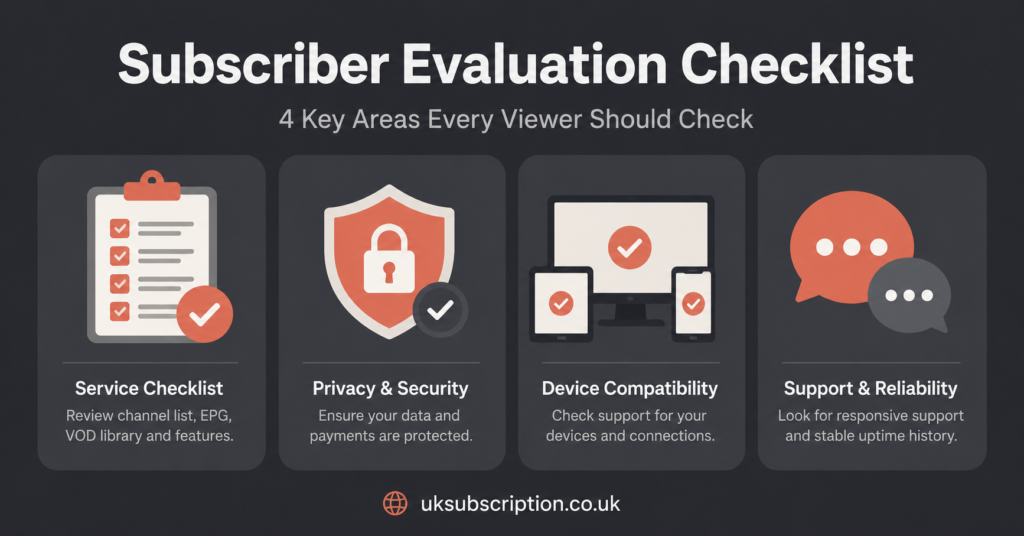
If you’re subscribing for personal use, the practical checklist is fairly short. Confirm the connection limit on your plan, since some providers restrict simultaneous streams per subscription. Ask what happens if the service is unavailable for an extended period, and whether that triggers any compensation or extension.
Account limits matter more than people expect. A provider that’s vague about how many devices can be logged in at once, or whether your login can be shared, is more likely to suspend accounts unpredictably later. Get that detail confirmed before you pay for a longer term.
For Resellers: Where Security Risk Shifts
If you’re reselling rather than subscribing personally, the security picture changes shape. Your risk isn’t just your own account; it’s every customer account under your panel. A stable, well documented reseller dashboard with clear credit tracking reduces the chance of billing disputes with your own customers.
If you’re new to this side of the business, it’s worth reading through a fuller walkthrough of starting an IPTV reseller business before committing to a panel, since operational structure affects security just as much as the underlying stream infrastructure does.
Pro tip: Keep a written record of every credit purchase and panel change. If a dispute comes up with your supplier later, having dated records makes the conversation far easier to resolve.
Sub Resellers: Dependency Is the Main Risk
For sub resellers working under a parent IPTV Panel reseller rather than a primary supplier, the biggest security consideration is dependency. Your customer relationships sit on top of someone else’s account, so if the parent reseller’s panel is suspended or their supplier changes terms, your customers are affected even though you didn’t make that decision.
Where possible, get clarity in writing on what happens to your customer base if the parent account is disrupted, and understand your margin structure well enough to know what happens if credit pricing shifts.
A Note on Legality and What “Secure” Doesn’t Cover
It’s worth being clear about something a lot of marketing blurs: IPTV is a delivery technology, not a legal category on its own. Whether a specific service is operating with proper content rights depends on licensing and distribution agreements that aren’t visible from the outside.
Security in the sense this article covers, meaning transparency, data handling, and account protection, is a separate question from content licensing, and it’s worth treating them separately when you’re evaluating any provider.
Conclusion
Judging a secure IPTV streaming service comes down to a handful of checkable things rather than any single claim: clear pricing, a real refund policy in writing, sensible app sources, and support that responds when you actually test it.
None of these guarantee a perfect experience, and providers can still fall short even when they look good on paper, but working through this checklist before you pay puts you in a far stronger position than trusting a homepage headline. If you’re still comparing options, start small with a trial period, ask the direct questions in this guide, and only commit to a longer plan once you’ve had a straightforward answer to each one.
Decision Checklist
- Confirm the company’s trading name and how long they’ve operated
- Get the refund policy in writing before paying
- Ask about device and connection limits before choosing a plan
- Test support response times before committing to a longer term
- Separate “secure” claims from unverified legal or licensing claims
Frequently Asked Questions
Is IPTV inherently less secure than traditional TV subscriptions?
Not inherently. Security depends on how the individual provider handles payments, data, and account access, rather than on IPTV as a technology. The variation between providers is much larger than any general difference between IPTV and traditional broadcast subscriptions.
Does a free trial tell me anything about long term security?
It tells you about stream stability and support responsiveness during the trial window, which are useful signals. It won’t tell you how the provider handles billing disputes or long term account issues, so it’s a starting point rather than a complete picture.
Should I avoid providers that only accept cryptocurrency?
Not necessarily, but it does mean you’ll have fewer dispute options if something goes wrong, since traditional card and PayPal protections won’t apply. It’s a trade off worth weighing rather than an automatic red flag.
What’s the single most useful question to ask a new provider?
Ask for their refund policy in writing before you pay anything. How directly and quickly they answer that question tends to say more about the business than almost anything else on their website.